More leads, better qualified, straight into WhatsApp
Replace lead forms with conversations. Capture leads from Click-to-WhatsApp ads, QR codes and your website, qualify them with chatbots and WhatsApp forms, and send hot leads to sales instantly.
- No credit card needed
- Setup in 5 mins
- Official WhatsApp API
Trusted by 210,000+ businesses across 68+ countries








Why businesses choose Chatbox AI for
WhatsApp Lead Generation
Conversations, not forms
People are more comfortable sending a WhatsApp message than filling a long form, and you get a direct line back to them.
Qualified before the call
Chatbots and WhatsApp forms collect budget, need and timeline so sales only calls leads worth calling.
Instant response
Every lead gets an answer in seconds, 24/7, the moment their intent is highest.
- WhatsApp open rate
- 98%
- Businesses on Chatbox AI
- 210,000+
- Countries served
- 68+
- To connect your number
- <2 min
Powerful capabilities
to scale on WhatsApp
Everything you need to automate conversations and drive conversions.
Ads that start conversations
Click-to-WhatsApp ads
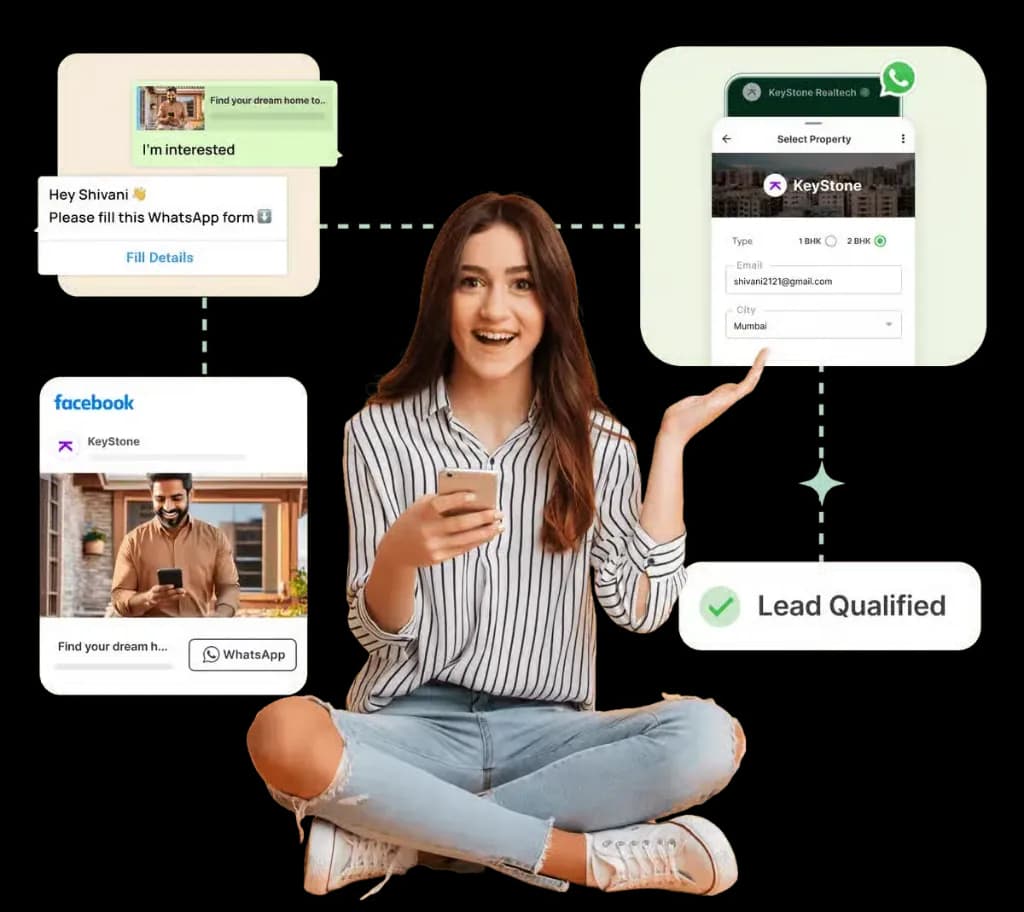
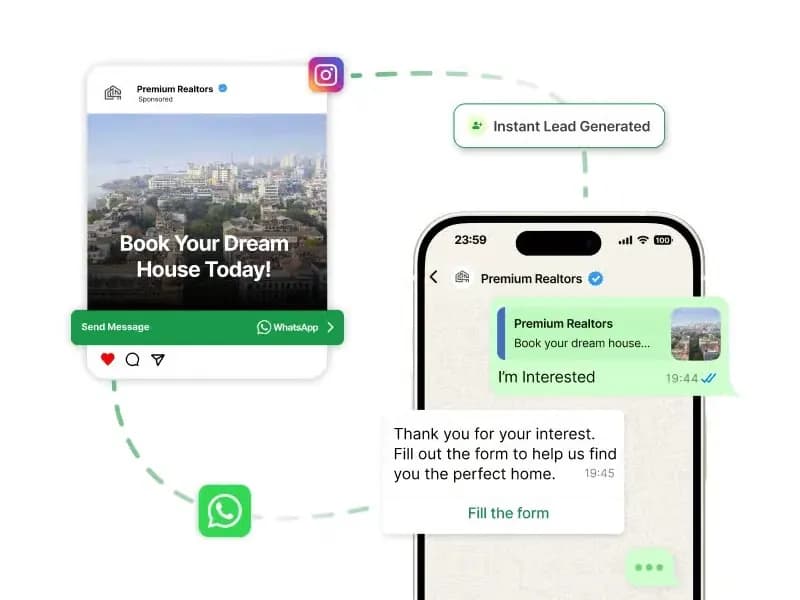
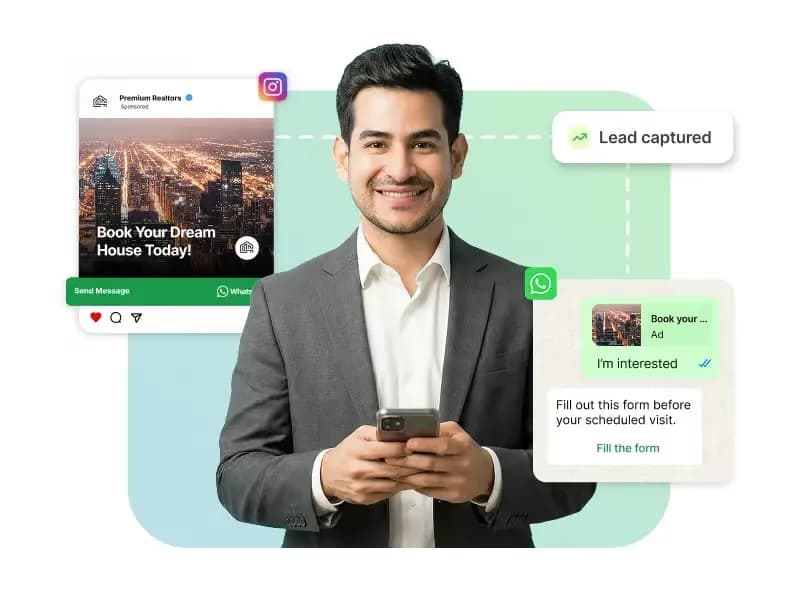
Run Facebook and Instagram ads with a WhatsApp button. Each click opens a chat with the ad context attached, and an automated reply greets the lead immediately with the next step.
- Ad context attached to every lead
- Instant automated greeting and qualification
- Leads tagged by campaign for ROI tracking
Collect details natively
WhatsApp forms
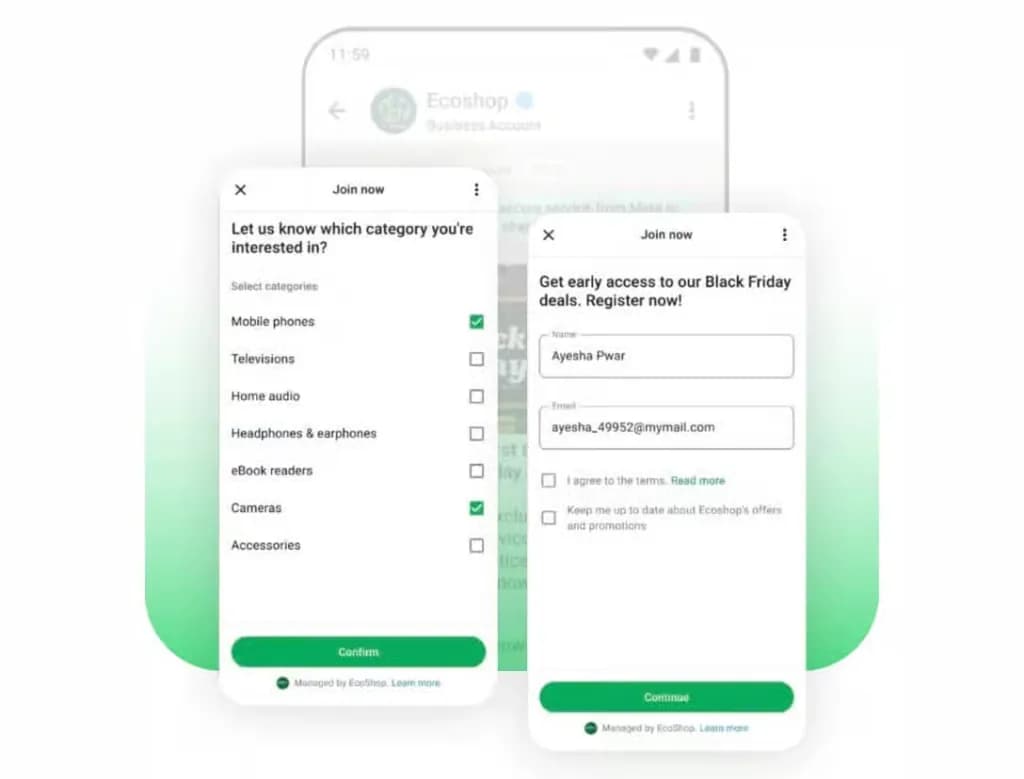
Use native WhatsApp forms to collect name, email, preferences and requirements without sending leads to a website. Structured answers are saved as contact attributes for segmentation.
- Multi-step forms inside WhatsApp
- Answers saved as contact attributes
- Consent captured with each submission
Score and assign automatically
Chatbot qualification and routing
A no-code chatbot asks qualifying questions, scores the lead and routes it to the right salesperson by product, region or budget. Low-intent leads move into a nurture sequence.
- Qualifying questions with buttons and lists
- Auto-assignment to sales reps
- Nurture drips for leads not ready to buy
No manual data entry
CRM sync
Push new leads, their answers and conversation events to LeadSquared, WebEngage or any CRM through webhooks and the REST API, so your pipeline stays up to date without copy-paste.
- LeadSquared and WebEngage integrations
- Webhooks for every new lead and reply
- Two-way sync with the REST API
Set up WhatsApp Lead Generation
in minutes
- 1
Connect your number
Connect a WhatsApp Business API number to Chatbox AI in under 2 minutes.
- 2
Add entry points
Launch Click-to-WhatsApp ads and add WhatsApp buttons and QR codes to your website and offline touchpoints.
- 3
Build the qualifier
Create a chatbot or WhatsApp form that captures the details your sales team needs.
- 4
Route and sync
Assign qualified leads to reps and sync them to your CRM automatically.
How teams use
WhatsApp Lead Generation
Paid social leads
Click-to-WhatsApp ads on Facebook and Instagram.
Website chat widget
A WhatsApp button on every high-intent page.
Offline QR codes
Hoardings, packaging, stores and events.
Lead scoring
Qualifying questions before the first call.
Lead nurturing
Drip sequences for leads not ready yet.
CRM sync
Leads flow into LeadSquared or your CRM.
Questions about
WhatsApp Lead Generation
Got questions about WhatsApp Lead Generation? We've got answers.
Click-to-WhatsApp ads are Facebook and Instagram ads with a button that opens a WhatsApp chat with your business instead of a website. The lead's first message includes the ad context, and Chatbox AI can reply, qualify and assign the lead automatically.
What are Click-to-WhatsApp ads? Click-to-WhatsApp ads are Facebook and Instagram ads with a button that opens a WhatsApp chat with your business instead of a website. The lead's first message includes the ad context, and Chatbox AI can reply, qualify and assign the lead automatically.
Why is WhatsApp better than lead forms? A WhatsApp chat is quicker for people to start than a long form, you get a verified phone number you can message back, and a chatbot can respond instantly. Leads can ask questions before sharing details, which builds trust and improves lead quality.
Can I sync WhatsApp leads to my CRM? Yes. Chatbox AI integrates with LeadSquared and WebEngage, and offers webhooks and a REST API for any other CRM. New leads, form answers, tags and conversation events can be pushed automatically.
How do I qualify leads automatically on WhatsApp? Build a no-code chatbot or WhatsApp form that asks for budget, requirement, location and timeline using buttons and lists. Chatbox AI saves each answer as a contact attribute, tags the lead and routes qualified leads to the right salesperson.
Which industries get the most from WhatsApp lead generation? Real estate, education, automobile, financial services, healthcare and high-consideration retail see strong results, because buyers want to ask questions before committing. The same flows work for B2B services and agencies too.
Keep exploring

Your next 10,000 customers are already on WhatsApp.
Broadcast, automate, sell and support on the official WhatsApp Cloud API. Join 210,000+ businesses getting up to 98% open rates, and go live in under 2 minutes.
- 7-day free trial
- No credit card
- Cancel anytime