Rich WhatsApp templates, approved by Meta in minutes.
Design templates with images, videos, PDFs and tappable buttons, submit them to Meta from Chatbox AI, and use them in broadcasts, automations and one-to-one follow-ups.
- No credit card needed
- Setup in 5 mins
- Official WhatsApp API
Trusted by 210,000+ businesses across 68+ countries






Why businesses choose Chatbox AI for
Message Templates
Higher engagement
Templates with images and buttons typically perform around 3x better than plain text.
Re-open the 24-hour window
Reach customers outside the 24-hour service window with an approved template, the only compliant way.
Fewer rejections
Built-in guidance on categories, variables and formatting helps templates pass Meta review first time.
Powerful capabilities
to scale on WhatsApp
Everything you need to automate conversations and drive conversions.
Images, video and documents
Rich media headers
Add an image, video or PDF to the template header, a product photo, a launch video, an invoice or a ticket, so your message stands out in a busy chat list.
- Image, video and PDF headers
- Bold, italic and emoji formatting
- Personalisation variables in body text
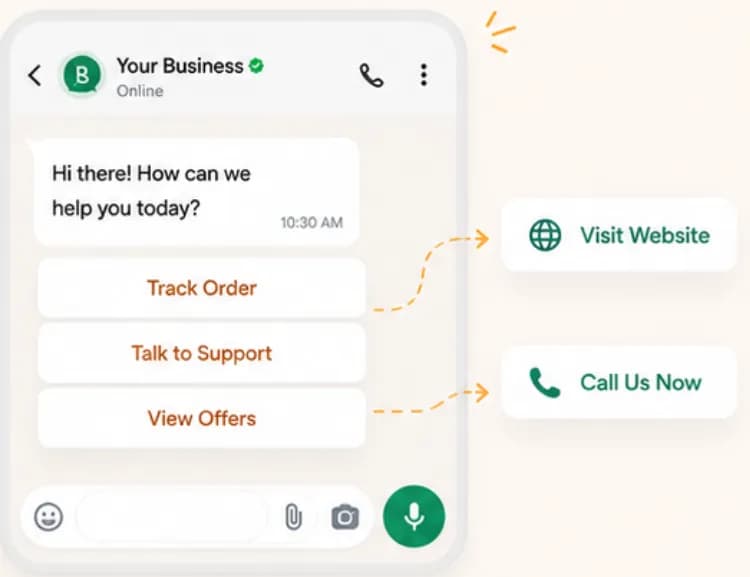
One tap to act
Interactive buttons
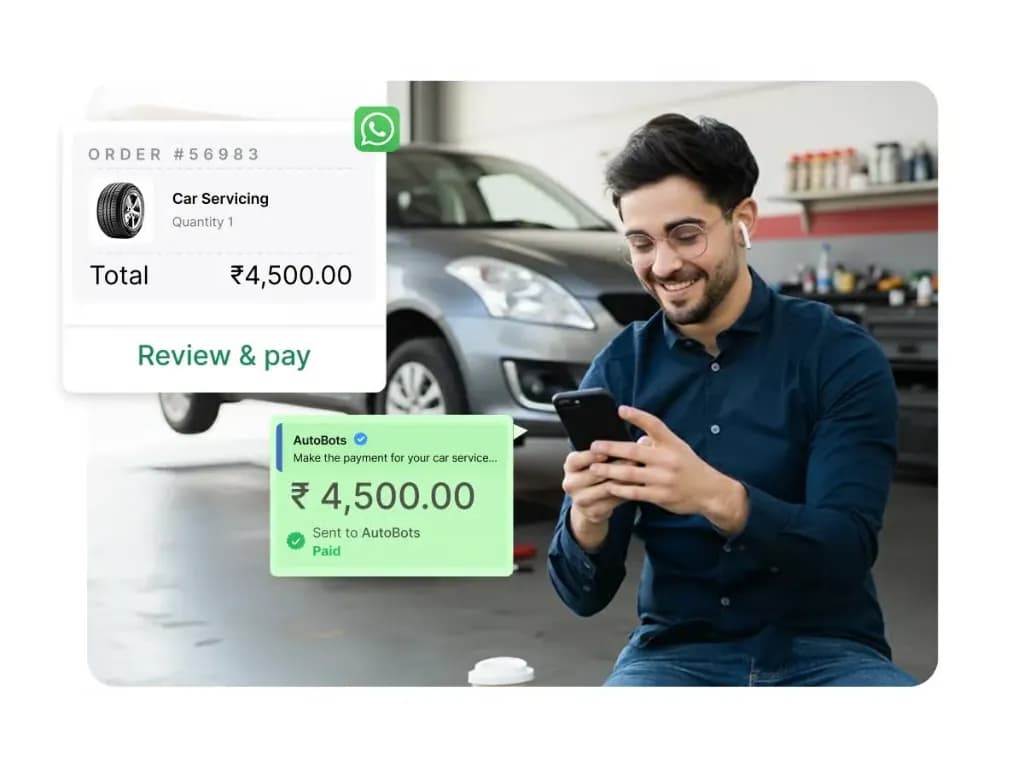
Add quick-reply buttons like 'Track order' or 'Talk to support', and call-to-action buttons that open your website, a payment link or dial your number.
- Quick-reply buttons that start flows
- URL and phone call-to-action buttons
- Dynamic URLs per customer
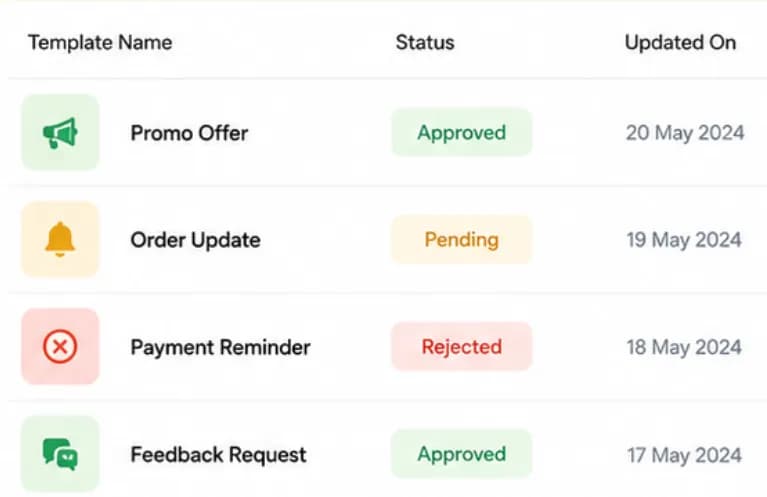
Approved, pending or rejected
Template status tracking
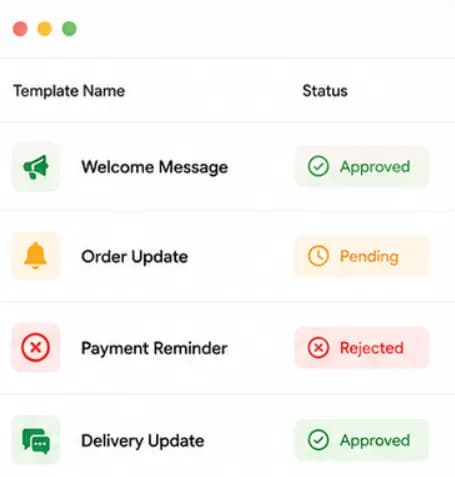
Submit templates to Meta directly from the dashboard and see whether each one is Approved, Pending or Rejected, with the rejection reason so you can fix and resubmit quickly.
- Submit to Meta in one click
- Live approval status
- Rejection reasons and quick edits
Set up Message Templates
in minutes
- 1
Choose a category
Pick marketing, utility or authentication based on what the message does.
- 2
Design the template
Add a header, body with variables, footer and up to several buttons.
- 3
Submit to Meta
Send it for review from Chatbox AI; many templates are reviewed within minutes.
- 4
Use it everywhere
Send the approved template in broadcasts, automations or one-to-one chats.
How teams use
Message Templates
Offers and launches
Marketing templates with a product image and a Shop Now button.
Order and delivery updates
Utility templates for confirmation, dispatch and delivery.
OTP and verification
Authentication templates with one-time passwords.
Payment reminders
Due-date nudges with a Pay Now button and payment link.
Questions about
Message Templates
Got questions about Message Templates? We've got answers.
Meta requires businesses to use pre-approved templates for business-initiated messages to prevent spam and protect users. Once approved, a template can be sent to any opted-in customer, with personalised variables filled for each person.
Why do WhatsApp messages need template approval? Meta requires businesses to use pre-approved templates for business-initiated messages to prevent spam and protect users. Once approved, a template can be sent to any opted-in customer, with personalised variables filled for each person.
How long does WhatsApp template approval take? Many templates are reviewed by Meta within minutes, while some take up to 24 hours. Following Meta's guidelines on category, clear variables and no misleading content makes first-time approval much more likely.
What are the WhatsApp template categories? Meta has three template categories: marketing (offers, launches, re-engagement), utility (order, delivery and account updates) and authentication (one-time passwords). Each category has its own per-message price, which you can see on our pricing page.
Why was my WhatsApp template rejected? Common reasons are the wrong category, variables at the start or end of the message, unclear placeholders, spelling mistakes, or content that breaks WhatsApp's commerce policy. Chatbox AI shows the rejection reason so you can edit and resubmit.
Can I add buttons and images to a WhatsApp template? Yes. Templates support an image, video or document header, and quick-reply or call-to-action buttons such as Visit Website, Call Us or a dynamic payment link.
Can templates be in Hindi or other languages? Yes. You can create the same template in multiple languages, and Chatbox AI sends each customer the version that matches their preferred language.
Keep exploring

Your next 10,000 customers are already on WhatsApp.
Broadcast, automate, sell and support on the official WhatsApp Cloud API. Join 210,000+ businesses getting up to 98% open rates, and go live in under 2 minutes.
- 7-day free trial
- No credit card
- Cancel anytime